
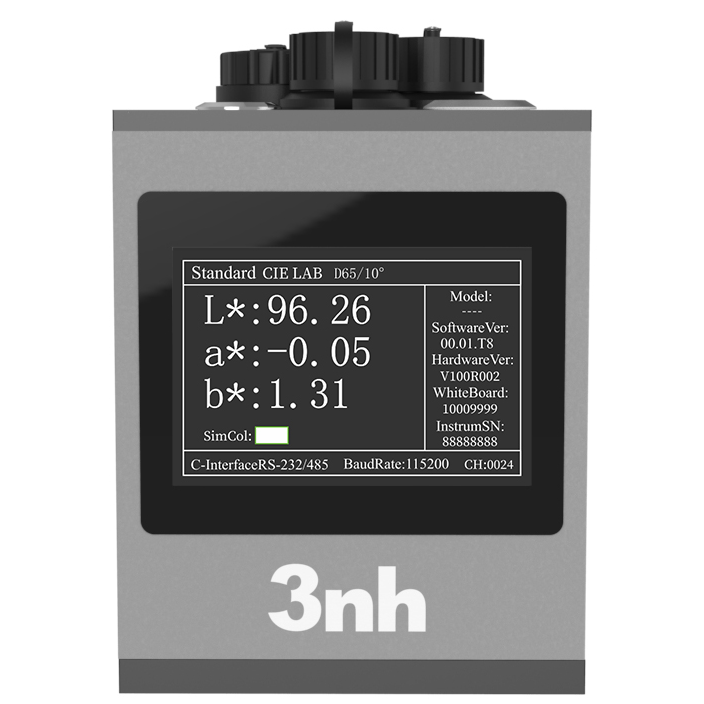
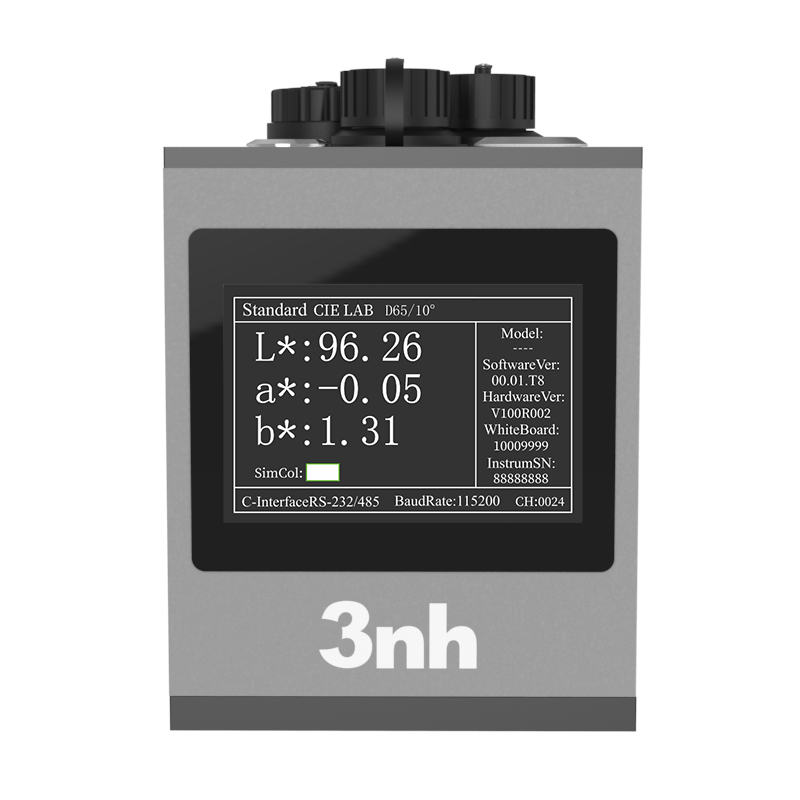
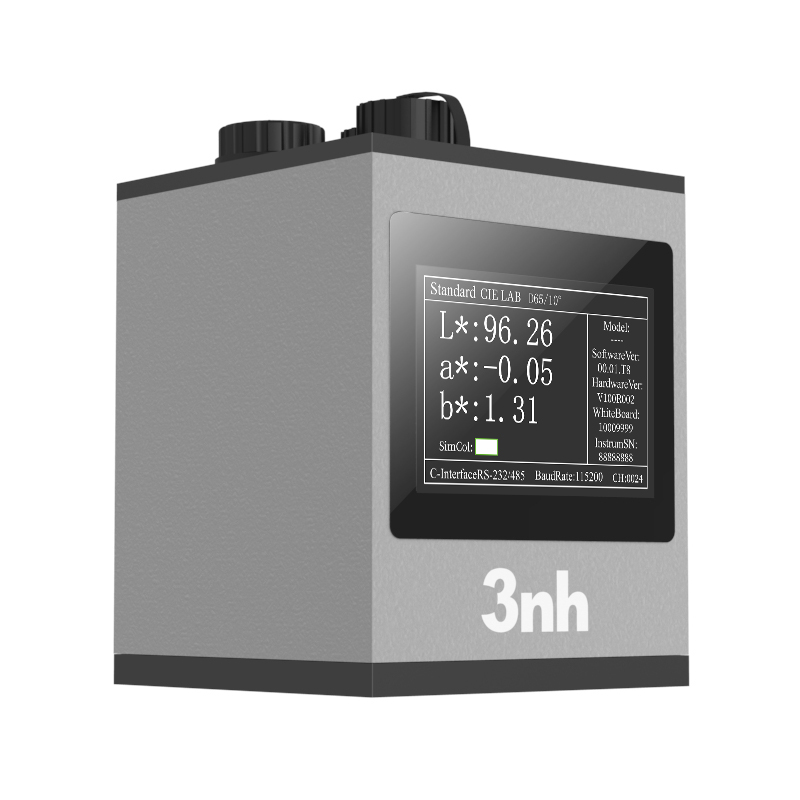
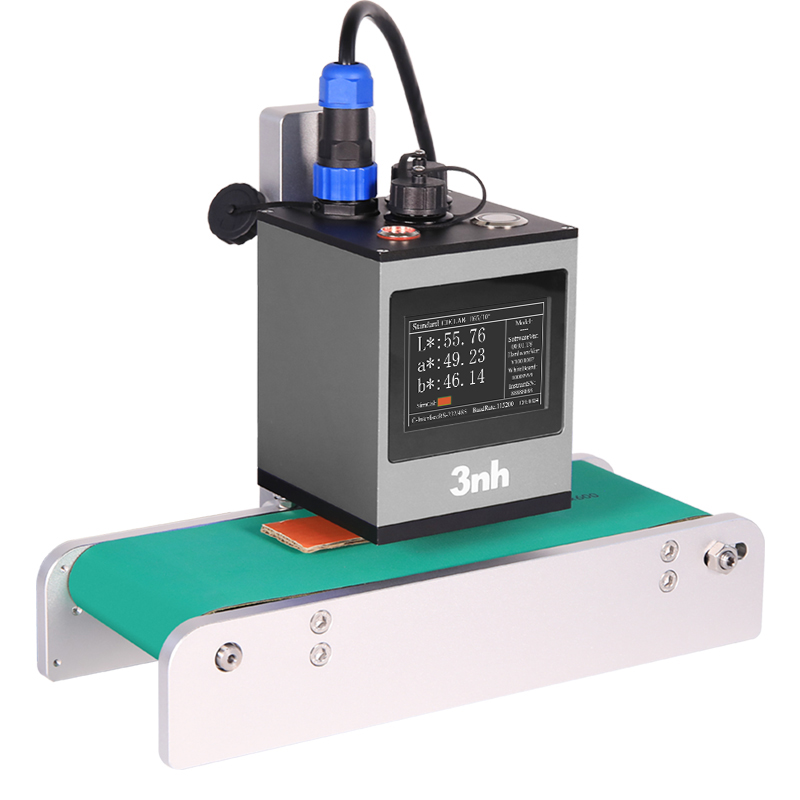
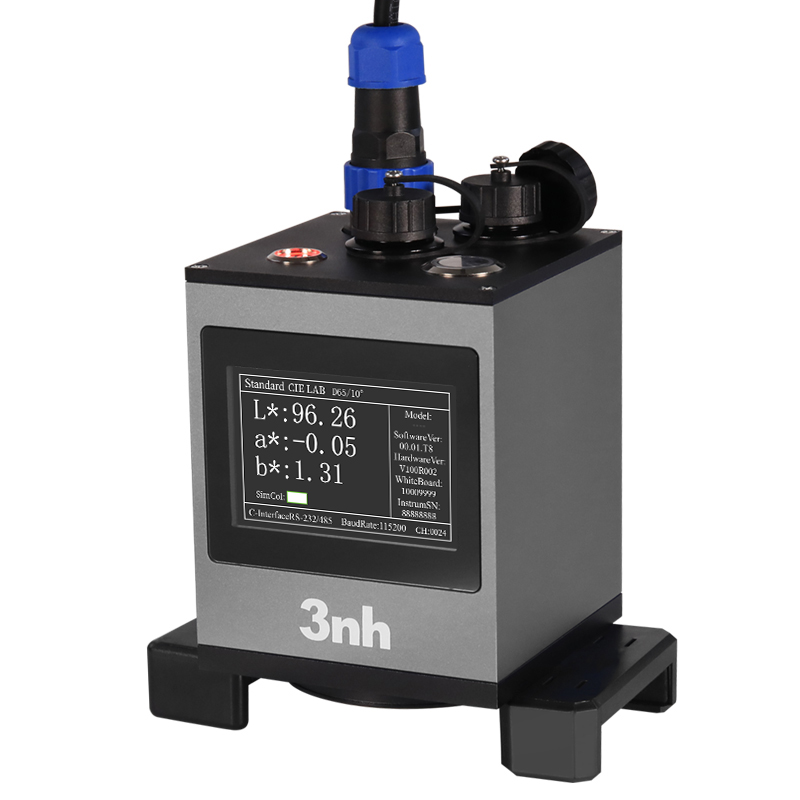
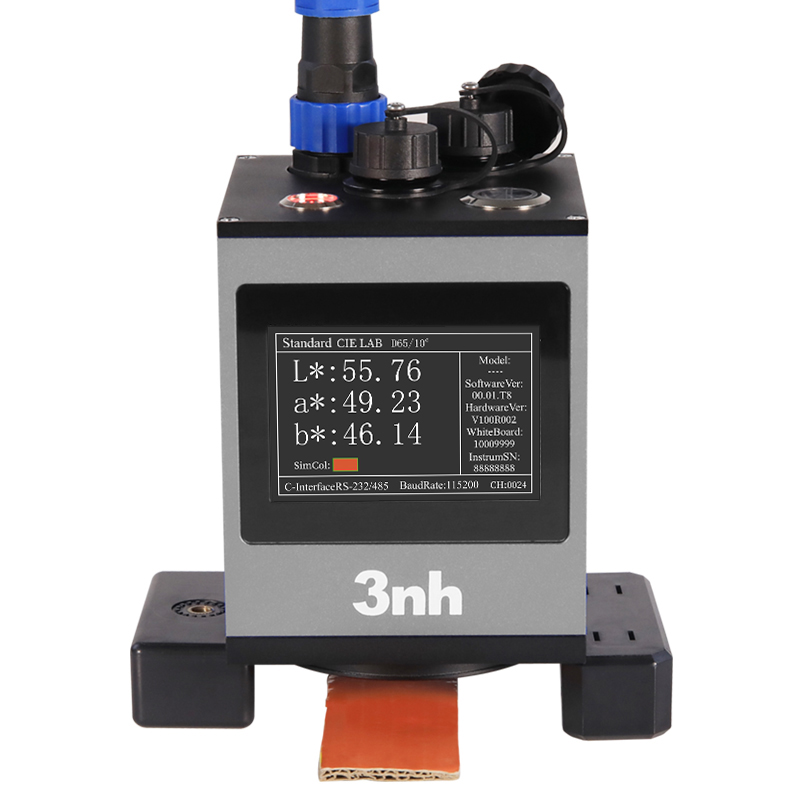
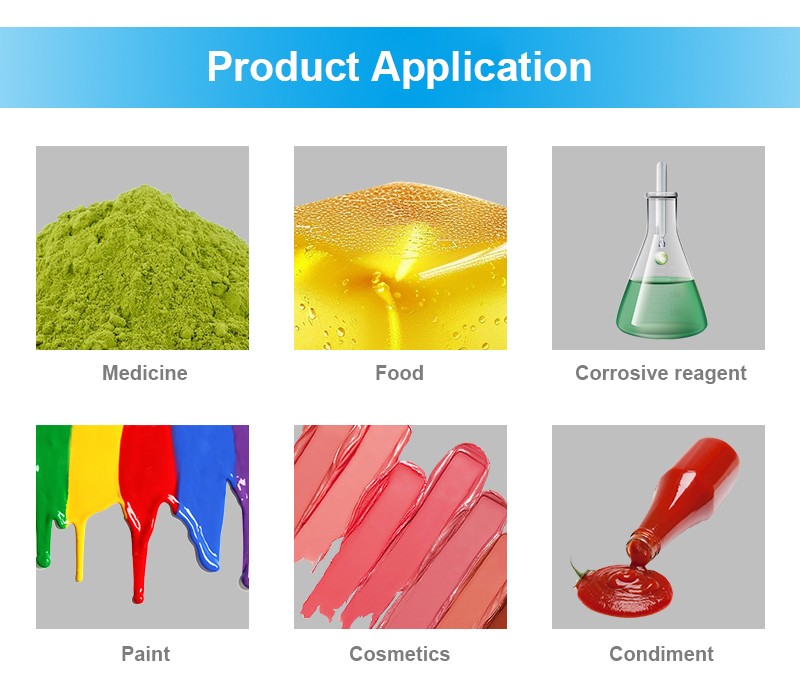
3nh YL70 Non-contact Spectrophotometer adopts the 45/0 optical structure. It can precisely measure special samples such as liquids and powders in a non - contact way. It is specifically designed for accurate color measurement in automated production lines. It supports 485 or USB communication and multi - device collaboration. Paired with the host computer software, it is suitable for integrated installation on assembly lines and robotic arms. It can monitor color data in real - time and synchronously transmit it back, providing efficient quality control solutions for multiple industries.
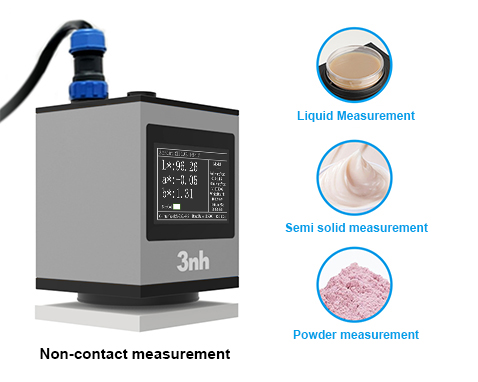
Non-contact measurement: solve the difficult problem of detecting special samples such as liquid, powder and scratch-prone surface, and realize pollution-free and damage-free color measurement. 7.5mm±0.15mm accurate ranging, no sample thickness limit, suitable for automatic production line diversified online detection.
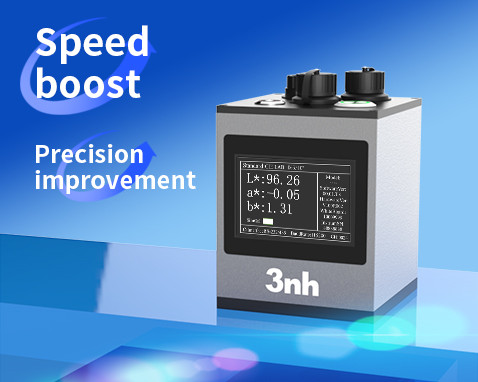
With the high-performance hardware configuration of nano-integrated spectrum device and silicon photodiode array (20 groups in two rows), the equipment achieves a double breakthrough in measurement speed and accuracy.
Ultra-fast response, high-speed production: the fastest measurement is 0.11 seconds (conventional 0.2 seconds), and the measurement interval is only 1 second, which meets the requirements of high-speed production line.
Repeatability of chromaticity value: it can reach ΔE*ab≤0.05, and the display accuracy is 0.01, which meets the first-class measurement standard and ensures long-term accuracy.
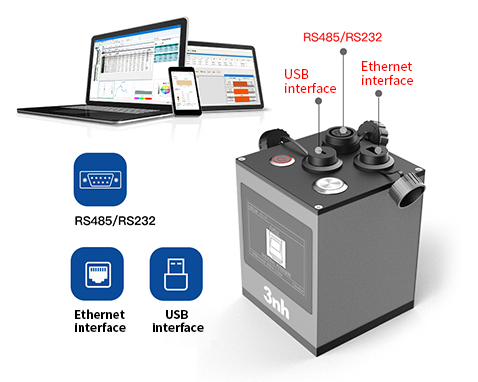
Rich interfaces to achieve collaborative control: equipped with USB, RS485, RS232, Ethernet and other rich interfaces, while supporting external triggering and analog signal output. It can easily realize real-time data interoperability and collaborative control with the production line control system, and help to build an automatic detection closed loop.
PC software data management: The supporting PC software further expands the data processing capability, supports data management, trend analysis, qualification judgment and historical tracing, helps enterprises to build a digital quality management system, and improves data utilization value and management efficiency.
Environmental adaptability: wide temperature design (such as -20~50℃) and IP66 waterproof and dustproof industrial protection ensure long-term stable operation in industrial environment.
Rapid deployment: Modular design is compatible with mechanical arm and pipeline integration, supports one-button calibration and remote firmware upgrade, and reduces maintenance costs.
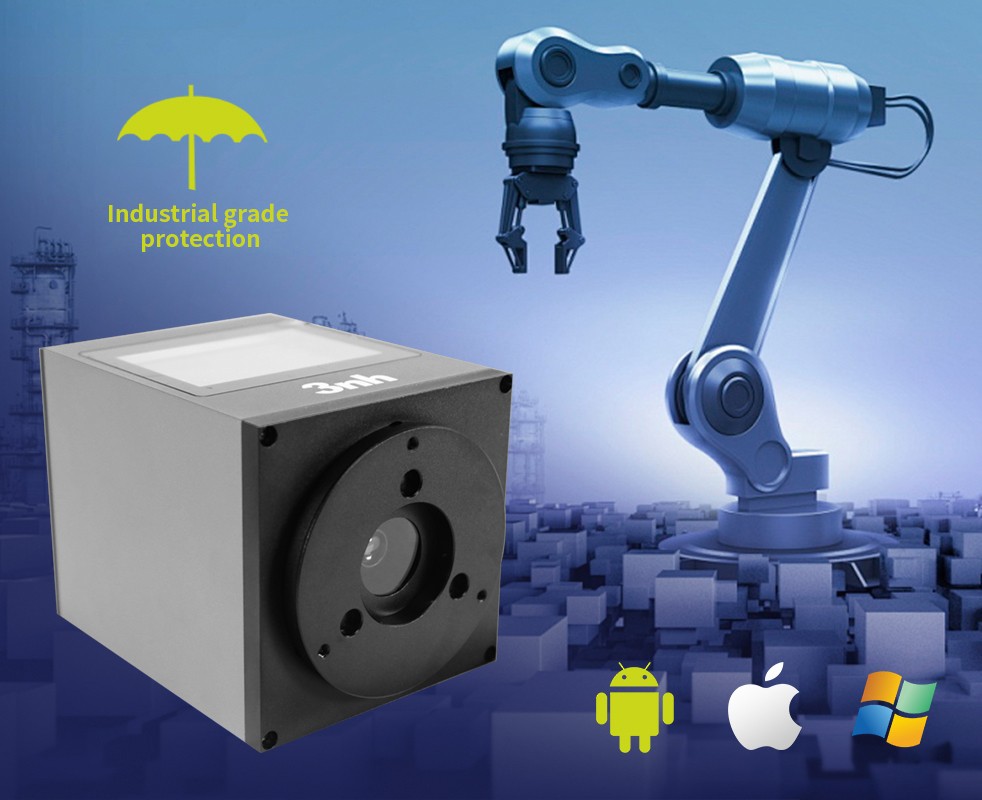
It can be applied to the automatic production line requirements of food and beverage, cosmetics, printing, anodizing, coating, papermaking, automobile spraying line, textile production line, plastic production line and other industries, and can be directly installed on the assembly line or mechanical arm.
Real-time monitoring of product color, synchronous transmission of data, providing immediate feedback for product quality.
Product Parameter
YL70 series 45/0 Non-Contact Spectrophotometer | |
Product Model | YL70 |
Optical Geometry |
45/0(45 circular uniform illumination 0 reception); |
Features | The non-contact test between the test probe and the sample to be tested realizes the non-contact precise color measurement of liquid, paste, powder and fragile surface. It is mainly used in accurate color measurement and quality control of automatic production line; The measurement time can be as fast as 0.11 seconds. It can communicate with other systems through 485 or USB, and is equipped with upper computer software. |
Light Source | Full spectrum LED light source |
Splitting Mode | Nano-integrated spectral device |
Sensor | Silicon photodiode array (20 groups in two rows) |
Wavelength Range | 400~700nm, 10nm output |
Display Accuracy | 0.01 |
Reflectivity Resolution | 0.01% |
Reflectance Range | 0~200% |
Measuring Aperture | Φ8mm |
Non-contact Distance | 7.5mm(±0.15mm) |
Sample Height | The thickness is not limited, and only the test probe is used. |
Measurement and Observation Mode | Visual |
Measuring Time Interval | 1S |
Measurement Mode | Instrument trigger or online control trigger |
Color Space | CIE LAB,XYZ,LCh,CIE LUV |
Color Difference Formula | ΔE*ab |
Other Chromaticity Indexes | / |
Observer Angle | 2°/10° |
Illuminants | A,C,D50,D65,D75 |
Displayed data | Data, sample chromaticity value, color difference value/graph, color simulation, qualified/unqualified results, display tolerance can be set. |
Measuring Time | The fastest time is 0.11 seconds (about 0.2 seconds) |
Calibrate | Intelligent automatic calibration |
Waterproof Grade | IP66 |
Repeatability | In the optimal test mode (when the single measurement time is 1.0 seconds): Chromaticity value: within ΔE*ab 0.05 (after preheating, measure the average value of the whiteboard for 30 times at intervals of 5s). |
Inter-station Difference | / |
Accuracy Assurance | Ensure that the first-level measurement is qualified |
Measurement Method | Single measurement, average measurement (2~99 times) |
Dimension | 100*100*140mm |
Weight | About 1400g |
Power Supply | DC 24V,3A power adapter supplies power. |
Illuminant Life Span | More than 3 million measurements in 5 years |
Display | TFT true color 3.5inch |
Interface | USB, RS485, RS232, Ethernet, external trigger, analog signal output. |
Language | Simplified Chinese, traditional Chinese, English |
Operating Environment | 0~40℃, 0~85%RH (no condensation), altitude: below 2000m m |
Storage Environment | -20~50℃, 0~85%RH (no condensation) |
Standard Accessory | Power adapter, manual, USB cable, RJ45 network cable, RS485 multi-computer communication cable, RS232 communication cable, standard calibration board and black calibration box. |
Note: | It is subject to change without prior notice. |
1. When I received NH310/NH300 colorimeter and perform measurement, why the measured data is abnormal?
After receiving NH310/NH300, you have to perform white and black calibration manually when first starting.
2. In which condition, manual white and black calibration and auto calibration are required for NH310?
a. It’s needed to perform manual calibration for NH310 when first starting.
b. In the subsequent starting, NH310 will perform auto calibration at startup. No need to perform manual calibration.
c. Suggestion: it’s best to perform manual calibration once a week or when NH310 measured data is not accurate.
3. In which condition, manual white and black calibration for NH300 is required?
a. It’s needed to perform manual calibration for NH300 when first starting.
b. In the subsequent starting, no need to perform manual calibration.
c. Suggestion: it’s best to perform manual calibration once a week or when NH300 measured data is not accurate.
4. How to replace NH310 measuring aperture?
There are three measuring apertures for NH310: Φ8mm (standard accessory), Φ4mm (standard accessory), extended Φ8mm (optional accessory)
a. Turning on
b. Removing measuring aperture, install the needed measuring aperture.
c. Select “Settings-Aperture Setting” in main menu to select corresponding measuring aperture.
d. After selecting aperture, the instrument will display “White and Black Calibration” interface. White and black calibration must be performed.
e. Replace completed.
5. CQCS3 (Color Quality Control System) Installation
a. Before installation, please Copy CQCS3 folder to your computer and don’t remove any files in CQCS3 folder.
b. Double-click the setup.exe to install CQCS3 software.
c. Then double-click Install.bat under the CQCS3\USB_Driver file to install the driver.
d. Detailed installation information please read the "Installing Software" under CQCS3 User manual.doc.
6. How to check communication port?
a. Connect colorimeter to the PC with USB cable.
b. Turn on the colorimeter to enter main menu. Select “Comm” and press “Enter” key to start communication.
c. Right click on “My Computer” on the desktop. Click “Manage” -> “Device Manager” -> “Ports”, you can see similar display as “SCI USB2Serial (COM6)”.
d. Click “Settings->Communication Parameters” in CQCS3 software interface. Select the corresponding port in “Serial Port”.
7. After completing CQCS3 installation, how to solve the problem if it display “! USB Device” or “! SCI USB2Serial (COM6)” when checking the communication port?
a. Right click “! USB Device” or “! SCI USB2Serial (COM6)”, “Update Driver” -> “Install from a list or specific location (Advanced)” -> “Next” ->“Include this location in the search” -> “Browse”, specify USB driver file path “CQCS3\USB_Driver”, click “Next”. Then it will install successfully.
b.Detailed installation information please refers to “2.2 Installing USB Driver” in Color Quality Management System User Manual.doc.
8. Notes for First Using CQCS3 Software
a. Users must specify Standard File Name, Sample File Name and Sample Database File Name when first use.
b.Standard File is use to store standard measurement data. Sample File is used to store sample measurement data. Sample Database File is used to store the measured data exported from sample records.
9. How to solve the problem when “Connection Timeout” occurred?
a. When the colorimeter is disconnected to the PC, “Connection Timeout” will occur. At the moment, you have to check whether the USB cable is well connected the colorimeter and the PC. Then you can re-plug the USB to try out.
b. After ensuring the colorimeter is connected to the PC with USB cable, turn on the colorimeter and enter the main menu. Select “Comm” and press “Enter” key to start communication.
c. Turn off CQCS3 software, and reopen it.
10. How to solve the problem when the interface display "USB Disconnect"
a. Check whether the USB cable is connected. If not, please connect it. Check whether the connection is effective. You can re-plug the USB cable to test.
b. If the USB cable is connected well but the interface still displays "USB Disconnect", please re-start the colorimeter and enter "Menu" -"Comm"to start the communication.
c. Change the USB cable or change the USB port in you PC.
11. How to solve the problem when the colorimeter cannot be turned on in the condition of battery-powered?
a. If this phenomenon occurred, it means the battery power is not enough. You need to charge the battery.
b. When charge the battery, please insert the battery to the instrument, and plug in the adapter to charge the battery. After 5 minutes, the instrument can be turned on.
c. If the instrument still cannot be turned on after charging 5 minutes, you can pull out the adapter and re-plug in to check it. Or repeat this operation.
d. If the instrument still cannot be turned on after charging 5 minutes, you can turn off the colorimeter and turn on it again to check it. Or repeat this operation.
e. If you have tried all the methods above but the colorimeter still cannot be turned on, please change the battery.
